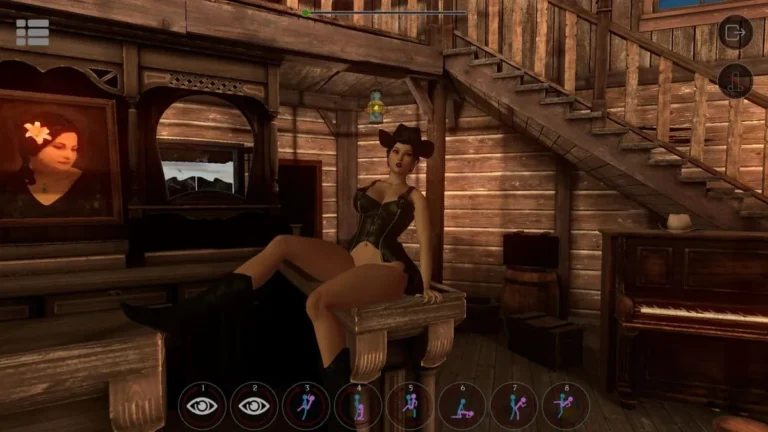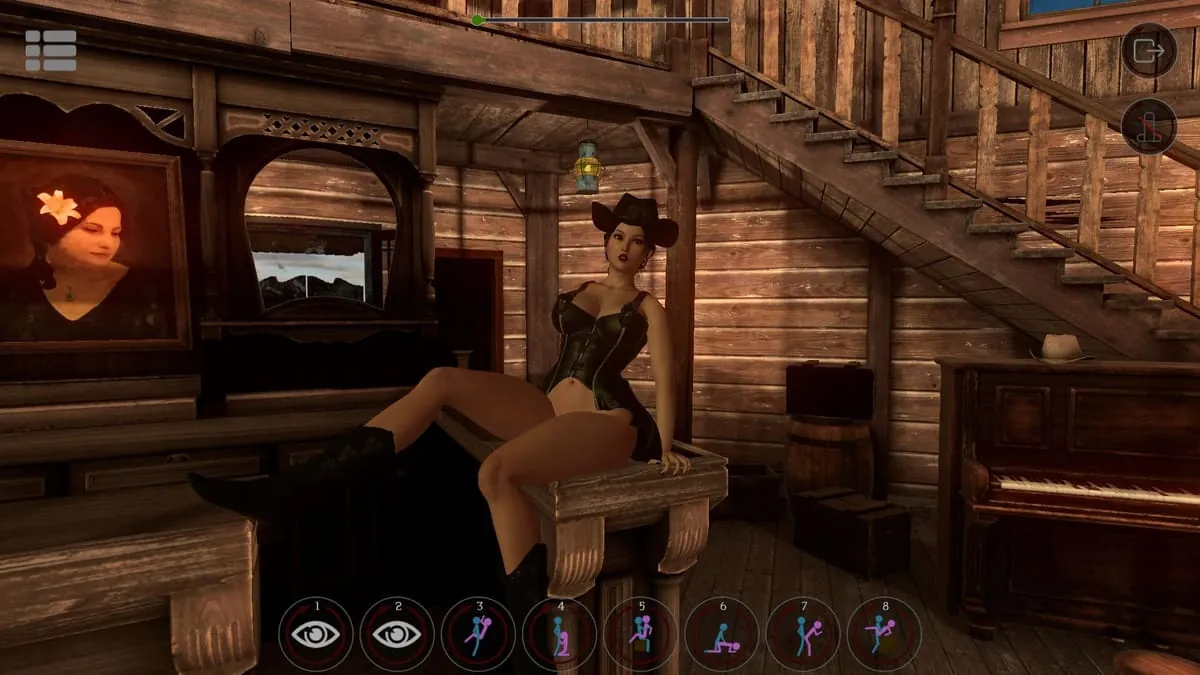
SinVR Screenshots
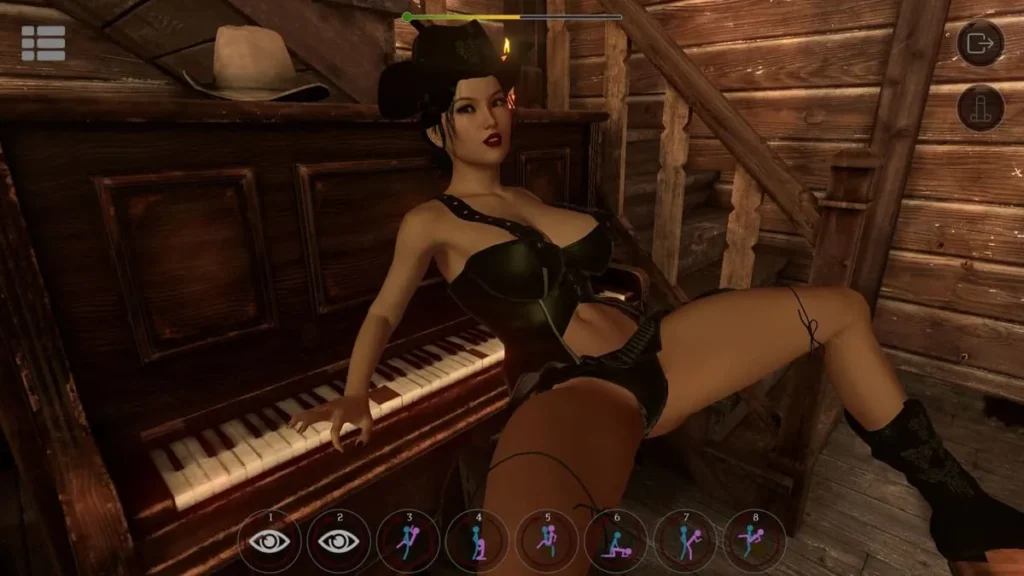
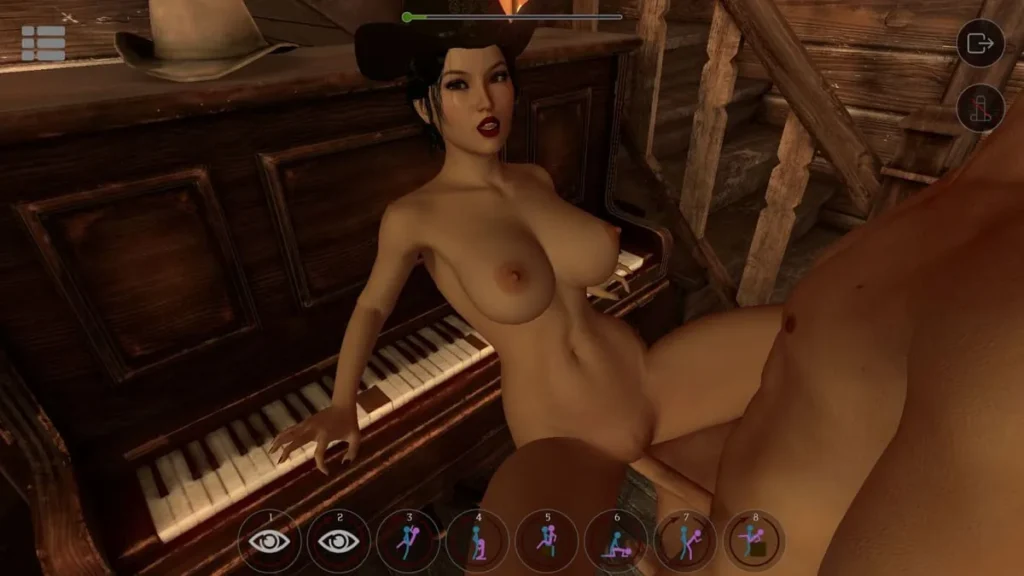
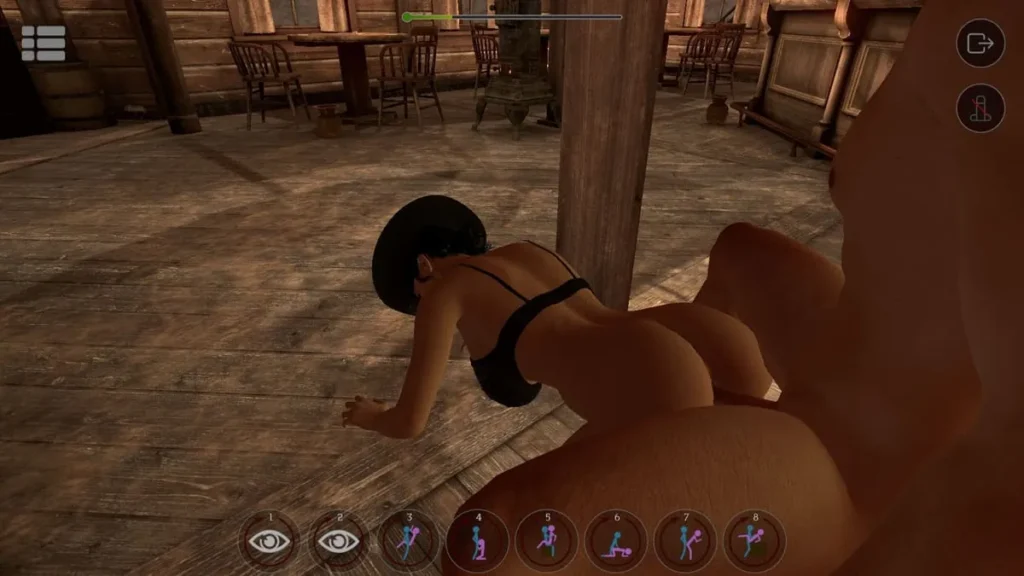
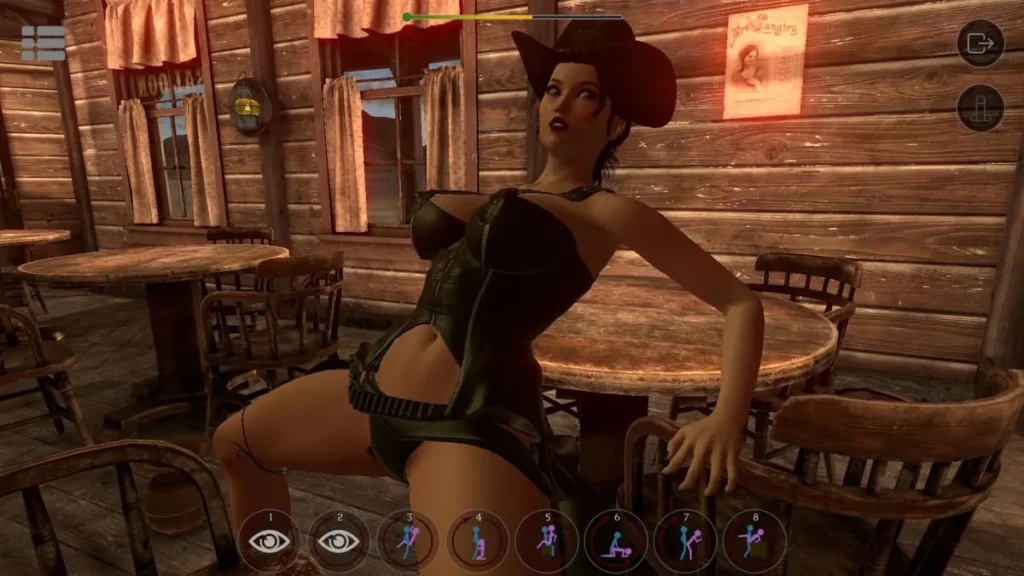
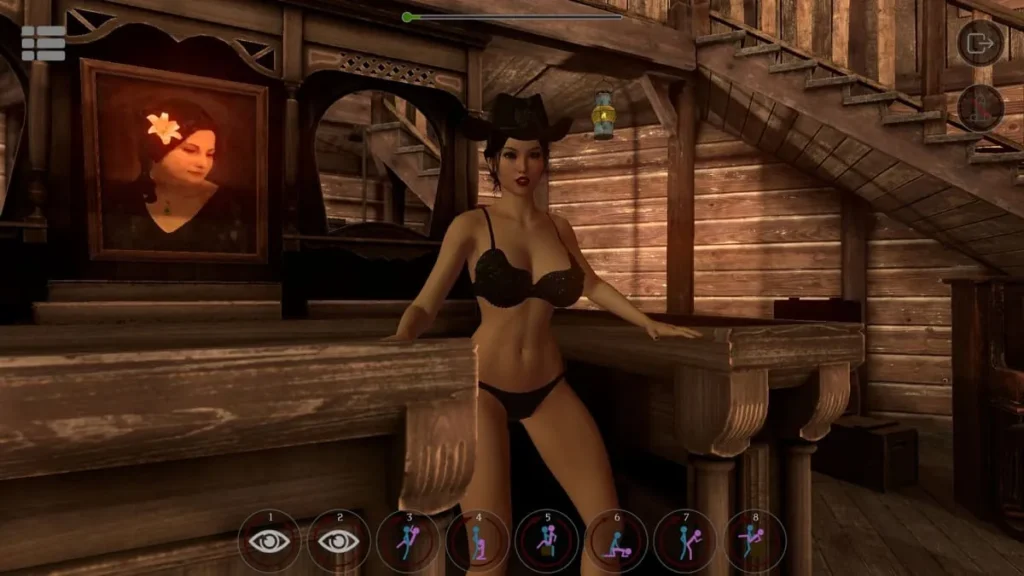
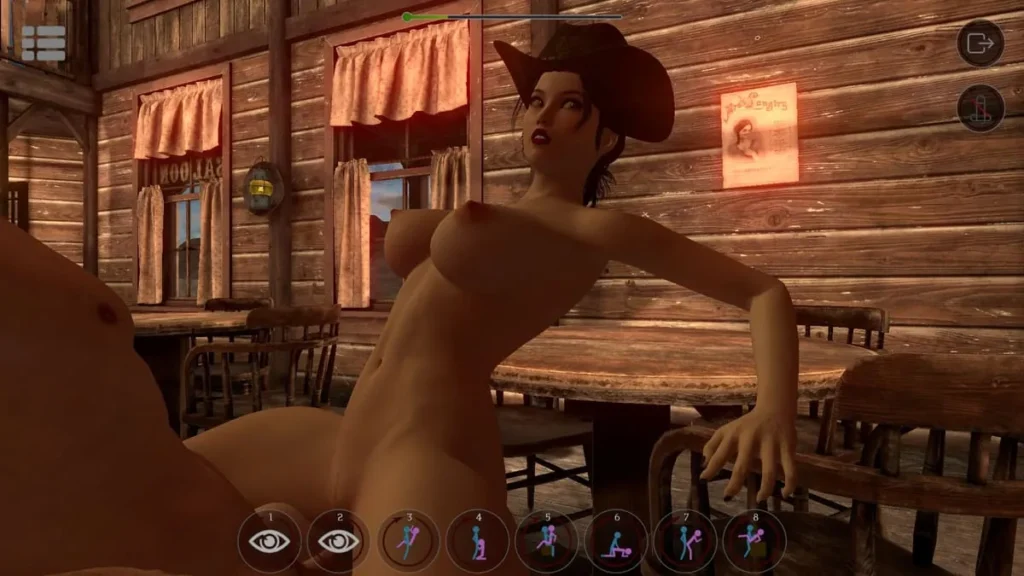
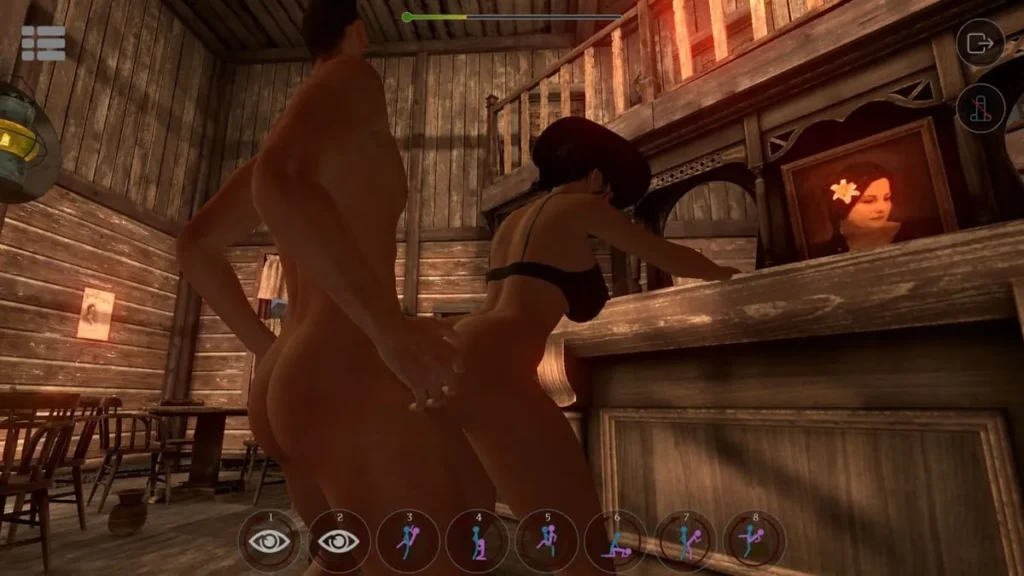
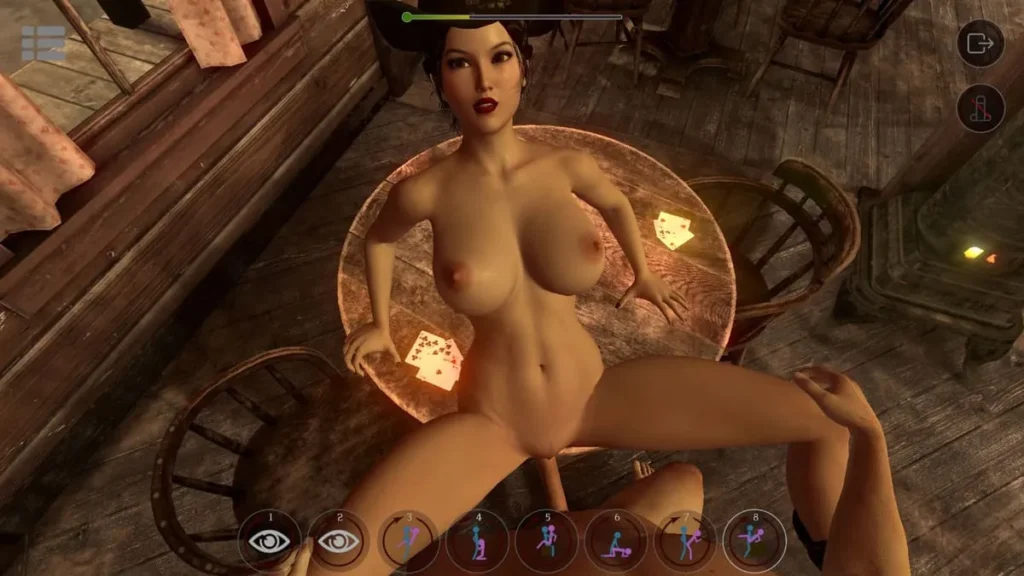
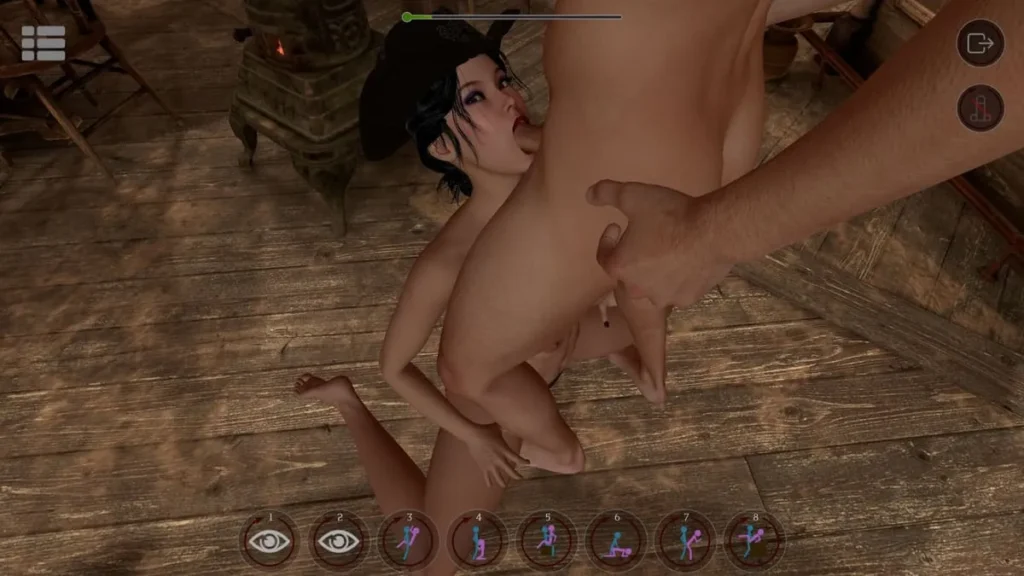
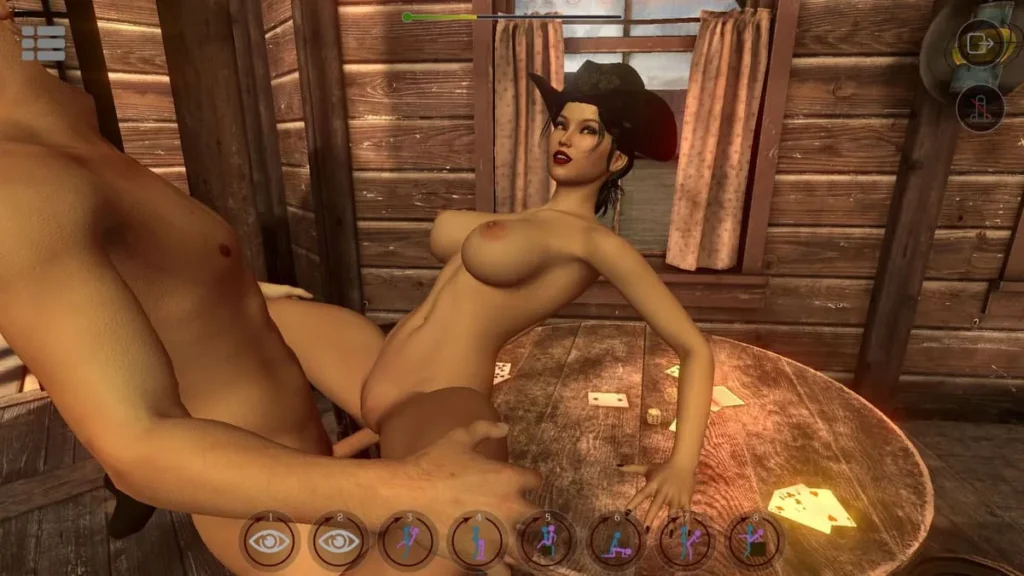
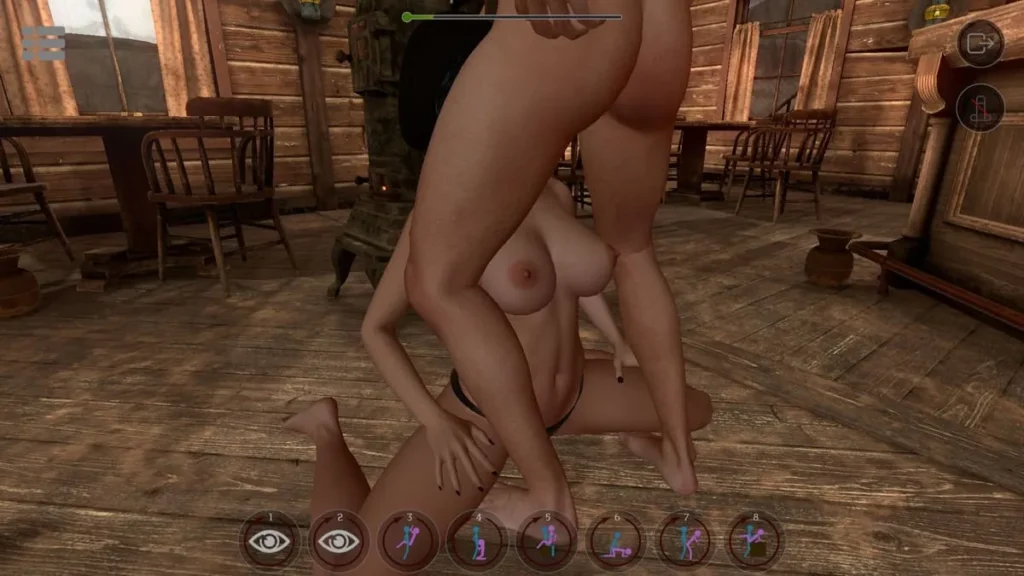
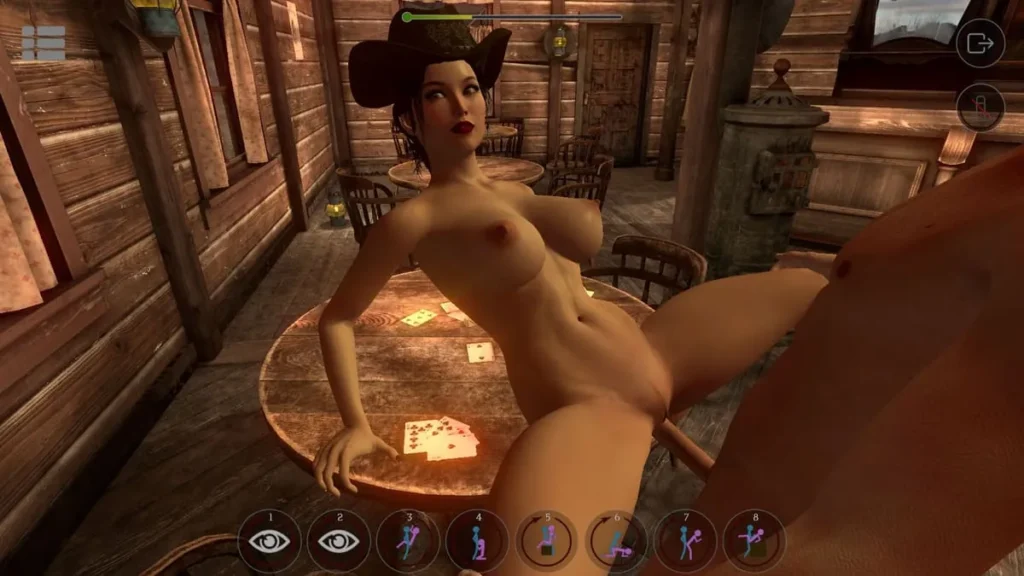
SinVR review
A comprehensive guide to the virtual reality platform and its privacy implications
SinVR is a virtual reality platform that gained significant attention due to a major security incident affecting thousands of users. Understanding what this platform offers, how it operates, and the security vulnerabilities that have been exposed is essential for anyone considering using VR applications. This guide explores the key aspects of SinVR, from its core features to the critical privacy concerns that emerged, helping you make informed decisions about your digital safety and virtual reality experiences.
Understanding SinVR: Platform Overview and Core Features
Stepping into virtual reality can sometimes feel… well, a bit underwhelming. You’ve got this incredible piece of technology strapped to your face, promising to transport you to another world, but you end up fiddling with clumsy menus, struggling with awkward controls, or feeling like you’re just watching a 360-degree video. I remember trying a popular virtual reality application a while back, excited for a deep dive, only to be met with a confusing interface that completely shattered the illusion. It was like showing up to a five-star restaurant and being handed a microwave dinner. 🍝
Luckily, the VR landscape is evolving, and there’s a newcomer focused on delivering a seamless, deep immersive VR experience from the moment you log in. That’s where the SinVR platform comes in. If you’re curious about what it is, how it works, and whether it’s for you, you’re in the right place. Let’s peel back the layers and explore this intriguing VR content platform.
What Is SinVR and How Does It Work?
So, what exactly is SinVR? At its core, it’s a specialized software platform designed for adult-oriented virtual reality experiences. Think of it less as a single game and more as a dedicated universe or portal. Its primary purpose is to provide a consistent, high-quality environment where users can explore a wide variety of curated immersive scenarios and interactions.
How does SinVR work? It’s surprisingly straightforward, which is a big part of its appeal. Unlike sprawling open-world games that require you to learn complex mechanics, the SinVR platform operates on a more direct-access model. Here’s the basic flow:
- Access & Library: You purchase and download the SinVR client onto your PC. This client acts as your personal gateway and library. Inside, you’ll find a base set of experiences and avatars, with a massive catalog of additional “scenes” available for individual purchase or through a subscription.
- Selection & Launch: You browse the integrated storefront (or your already-downloaded collection), pick a scenario that catches your eye, and launch it. The transition is typically quick, pulling you directly into the experience.
- Interaction & Immersion: This is where the magic happens. Using your motion controllers, you interact with the environment and characters naturally. The platform’s strength lies in its focus on physics-based interaction and responsive character AI, aiming to make the virtual world feel tactile and believable. You’re not just a spectator; you’re an active participant.
- Customization: A key feature is the depth of customization. You can adjust numerous settings in real-time, from character appearance and clothing to environmental details and interaction parameters, allowing you to tailor the immersive VR experience to your personal preference.
The genius of its operation is in its specialization. By focusing on a specific type of experience, the developers can polish the core interaction loops—like animation, physics, and user interface—to a high degree, making it feel more refined than a jack-of-all-trades virtual reality application. It’s built to remove friction and dive straight into the immersion.
Pro Tip: Before diving into purchasing individual scenes, consider using the client to explore the free or base content. This gives you a perfect feel for the engine, controls, and overall quality, helping you decide if the platform’s style is right for you.
Getting SinVR up and running on your system is crucial. You don’t want the excitement of a new VR content platform to be dashed by technical hiccups. Here are the key technical specs you’ll need to check:
- OS: Windows 10 or 11 (64-bit)
- Processor: A modern CPU equivalent to an Intel Core i5-4590 or AMD Ryzen 5 1500X
- Memory: 8 GB RAM is the minimum, but 16 GB is highly recommended for smoother performance, especially with higher-quality scenes.
- Graphics: This is the most important component. You’ll need a powerful GPU like an NVIDIA GTX 1060 / 970 or AMD Radeon R9 290. For the best immersive VR experience, an NVIDIA GTX 1070 / 1080 / 2070 / 3060 or equivalent and above is ideal.
- Storage: Plan for at least 10 GB of free space for the client and base content, but be prepared to expand this significantly as you download more scenes.
Key Features and User Experience
The SinVR features are what truly set it apart in a crowded market. It’s not just about the content itself, but how that content is delivered and interacted with. Having spent time with it, the difference in user experience is palpable compared to more amateurish offerings. Here’s what defines it:
1. A Universe of Content, One Consistent Engine:
The most significant feature is the platform model itself. Instead of a hundred disjointed apps from different developers with varying quality, you get one polished engine running everything. This means the controls, menu system, visual settings, and interaction logic remain constant. You learn it once, and you can navigate thousands of different experiences effortlessly. It turns a fragmented virtual reality application library into a cohesive world.
2. Deep Customization and Real-Time Control:
This is a game-changer. Many VR experiences are static. SinVR puts a powerful toolbox in your hands. Want to change a character’s hair, outfit, or proportions? You can do it on the fly. Need to adjust lighting, pose, or even specific interaction parameters? There’s often a menu for that. This level of control empowers you to craft the exact scenario you envision, making each session unique and personal. It transforms a pre-recorded show into an interactive stage play where you’re the director. 🎭
3. Focus on Physics and Presence:
A shallow VR experience reminds you you’re wearing a headset. A deep one makes you forget. SinVR invests heavily in physics-based interaction. This means objects have weight, collisions feel natural, and character interactions are driven by dynamic systems rather than just pre-canned animations. This commitment to a believable physical space is a cornerstone of its immersive VR experience, enhancing the sense of “being there” more than any 4K texture could alone.
4. Intuitive User Interface & Navigation:
Remember my story about the confusing VR menu? SinVR generally avoids this pitfall. The in-experience menus are designed to be accessed and navigated quickly using your motion controllers, often via a virtual wrist menu or a simple button press. The goal is to keep you in the world, not stuck in a meta-menu. Browsing the storefront from within VR is also smooth, letting you preview and acquire new content without ever taking off your headset.
5. Active Development and Community:
A platform is only as good as its support and growth. The team behind SinVR is consistently updating the core engine, adding new SinVR features, and curating a pipeline of new content from creators. There’s also a vibrant community hub where users share custom poses, settings, and ideas, extending the life and creativity of the platform far beyond its official offerings.
Platform Compatibility and Accessibility
Alright, you’re interested in the SinVR features and the idea of a unified platform. The next big question is: will it work with your gear? VR headset compatibility is a make-or-break issue, and thankfully, the SinVR platform casts a wide net.
The platform is primarily built for PC-powered VR, which allows it to deliver higher-fidelity graphics and more complex physics. It is not a native standalone Quest application, though there are ways to access it with those headsets (more on that below).
Here’s a breakdown of the primary compatibility landscape:
| VR Headset | Connection Method | Notes & Experience Level |
|---|---|---|
| Meta Quest 2, Quest 3, Quest Pro | PC Link Cable or Air Link (Wireless) | Fully compatible when connected to a VR-ready PC. This is the most common access method for Quest users. Wireless play via Air Link is possible but requires a strong Wi-Fi 6 network for optimal performance. |
| Valve Index | Native Direct Connection | Excellent native support. Takes full advantage of the Index’s high refresh rates and precise controllers. |
| HTC Vive / Vive Pro / Vive Cosmos | Native Direct Connection | Fully supported. A classic and reliable way to experience the platform. |
| Windows Mixed Reality (WMR) | Native Direct Connection | Officially supported. Users with headsets like the HP Reverb G2 can run SinVR without issue. |
| All SteamVR-Compatible Headsets | Via SteamVR Runtime | Since SinVR can launch through SteamVR, it effectively supports any headset that works with SteamVR, including older or less common models. |
Heads-Up for Quest Users: If you own a Quest without a gaming PC, the native path to SinVR isn’t direct. The platform requires a Windows PC to run the simulation. However, the Quest’s ability to act as a PC VR headset via Link or Air Link is your gateway. Just ensure your PC meets the specs above! 🔧
Accessibility and Getting Started:
The SinVR platform is designed for adults seeking a specific type of interactive content. Its accessibility is less about physical disability features (though basic control re-mapping is often possible) and more about ease of entry into its ecosystem.
- Account Creation: Getting started is simple. You create an account on the official website, purchase the client (often available on platforms like Patreon or directly from the developer), and download the installer.
- Content Discovery: Within the client, the store is integrated and browsable. Scenes are categorized and searchable, with preview images and videos. There’s no need to hunt across the wider web; the marketplace is built-in.
- Ease of Navigation: From a user experience perspective, the initial learning curve is gentle. The core interactions are intuitive (grab, touch, use), and the menu system is quickly learned. The consistency across all content means you’re rarely left guessing how something works.
In a virtual reality market often split between massive, generalized games and scattered, low-quality apps, SinVR carves out a unique niche. It offers the polish and consistency of a professional virtual reality application with the vast, ever-expanding library of a community-driven VR content platform. It understands its target audience and focuses relentlessly on the pillars of immersion, customization, and user control. For those seeking that specific, deep dive into interactive VR storytelling, it presents a compelling and uniquely streamlined proposition.
SinVR’s security breach serves as a critical reminder of the importance of privacy protection in emerging technologies. While virtual reality platforms offer immersive and engaging experiences, users must remain vigilant about their personal information and the security practices of the platforms they use. By understanding what happened with SinVR, recognizing the vulnerabilities that exist in VR applications, and implementing practical security measures, you can better protect yourself in the digital landscape. As the VR industry continues to grow, both users and developers must prioritize security and privacy to build trust and ensure safe, enjoyable virtual experiences for everyone.